How to Find and Replace a keyword in your WordPress Database? [STEP BY STEP]☑️
Today in this documentation we will show you how to find and replace a keyword in WordPress database via WordPress plugin. We are here with the most easiest way to find and replace any keyword in your WordPress database. But before getting started let us quick watch this short video tutorial embedded below.
Follow the steps given to find and replace a keyword in WordPress database via WordPress plugin:
Step::1 Go to the given URL- https://wordpress.org/plugins/search-and-replace
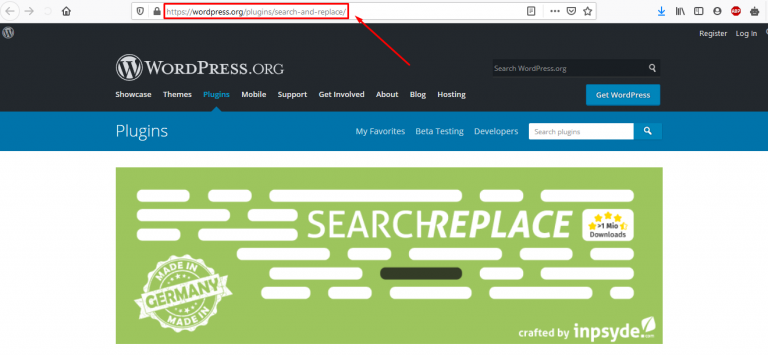
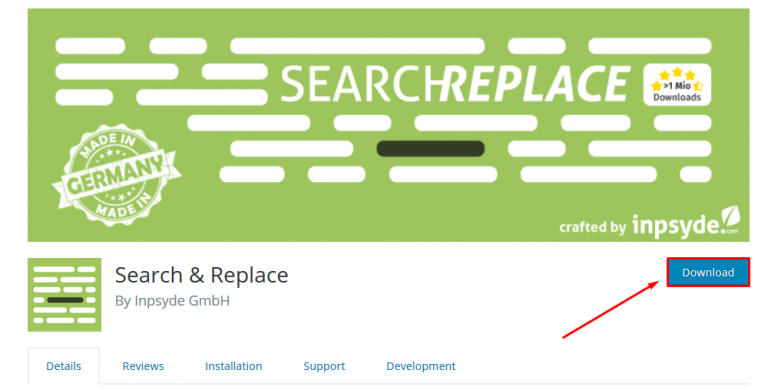
Step::2 Now click on the Download button and save the zip file in your local PC
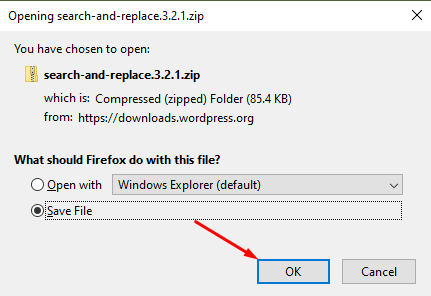
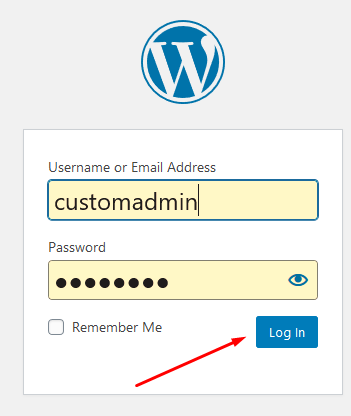
Step::3 Next login to your WordPress admin dashboard
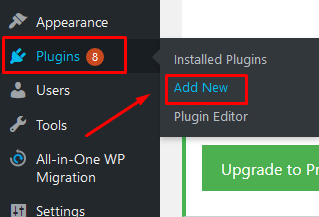
Step::4 Go to the Plugins section and click on Add New
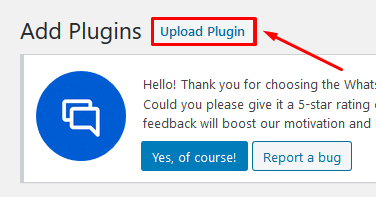
Step::5 Now you need to click on the Upload Plugin button
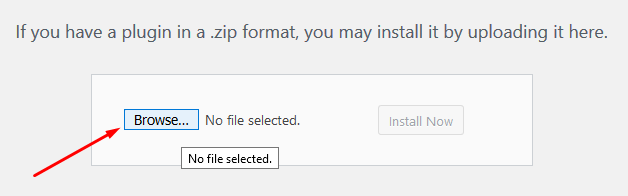
Step::6 Click on the Browse button and select the downloaded file from your local PC
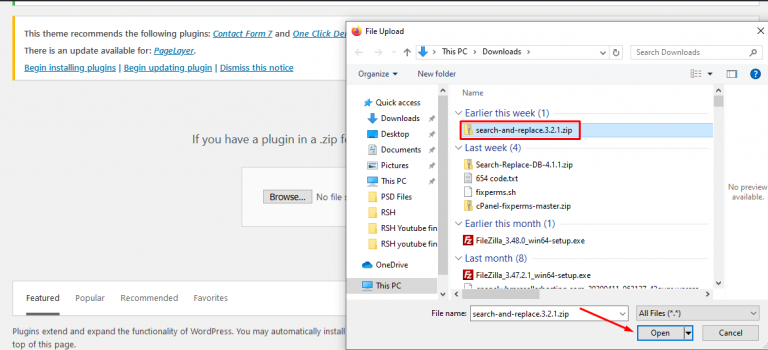
Step::7 Once it is successfully uploaded click on the Install Now button

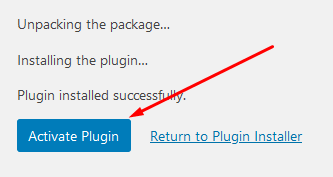
Step::8 Now click on Activate Plugin button
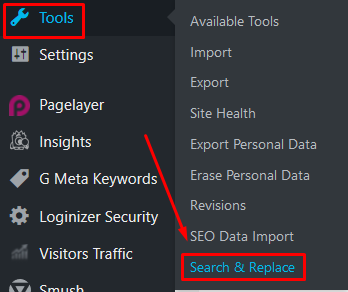
Step::9 Next go to the Tools section and scroll over the Search and Replace plugin
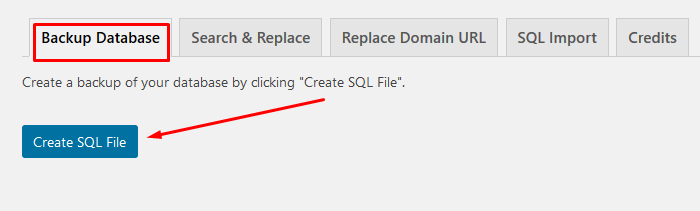
Step::10 Before proceeding ahead create a Backup file and then go to the next tab i.e Search and Replace
Step::11 Now here in the search for box enter the keyword and in the replace box enter the keyword which is going to replace
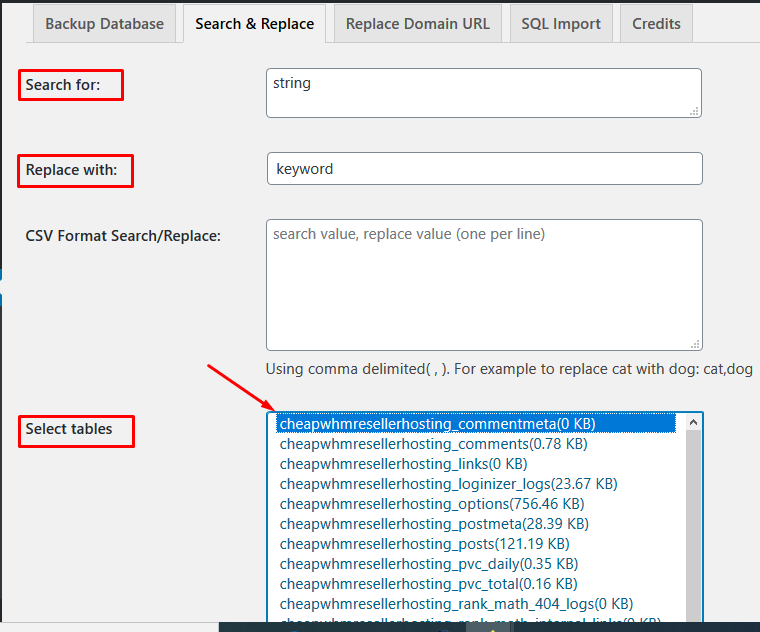
Step::12 Finally select the table and click over Go Search and Replace button.
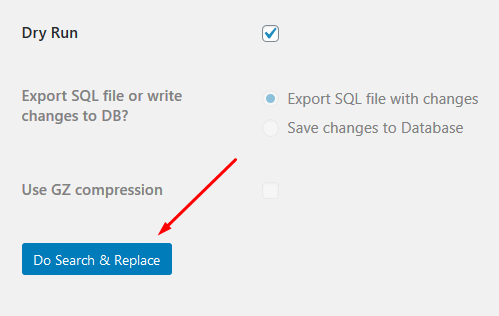
In this way you will be able to find and replace the keyword in your WordPress database.
Thanks for Reading this article
The End! should you have any inquiries, we encourage you to reach out to the Vercaa Support Center without hesitation.
